Starting CHORAS#
Once CHORAS has been built, the build script (see the Building CHORAS section) can be used to start CHORAS again in the future. Note that this may result in a longer startup time on slower machines. Alternatively, you CHORAS can be started with the following command:
docker compose up
You can terminate CHORAS either by pressing Ctrl + C in the terminal.
This will stop the containers but keep them available for the next startup.
Docker GUI#
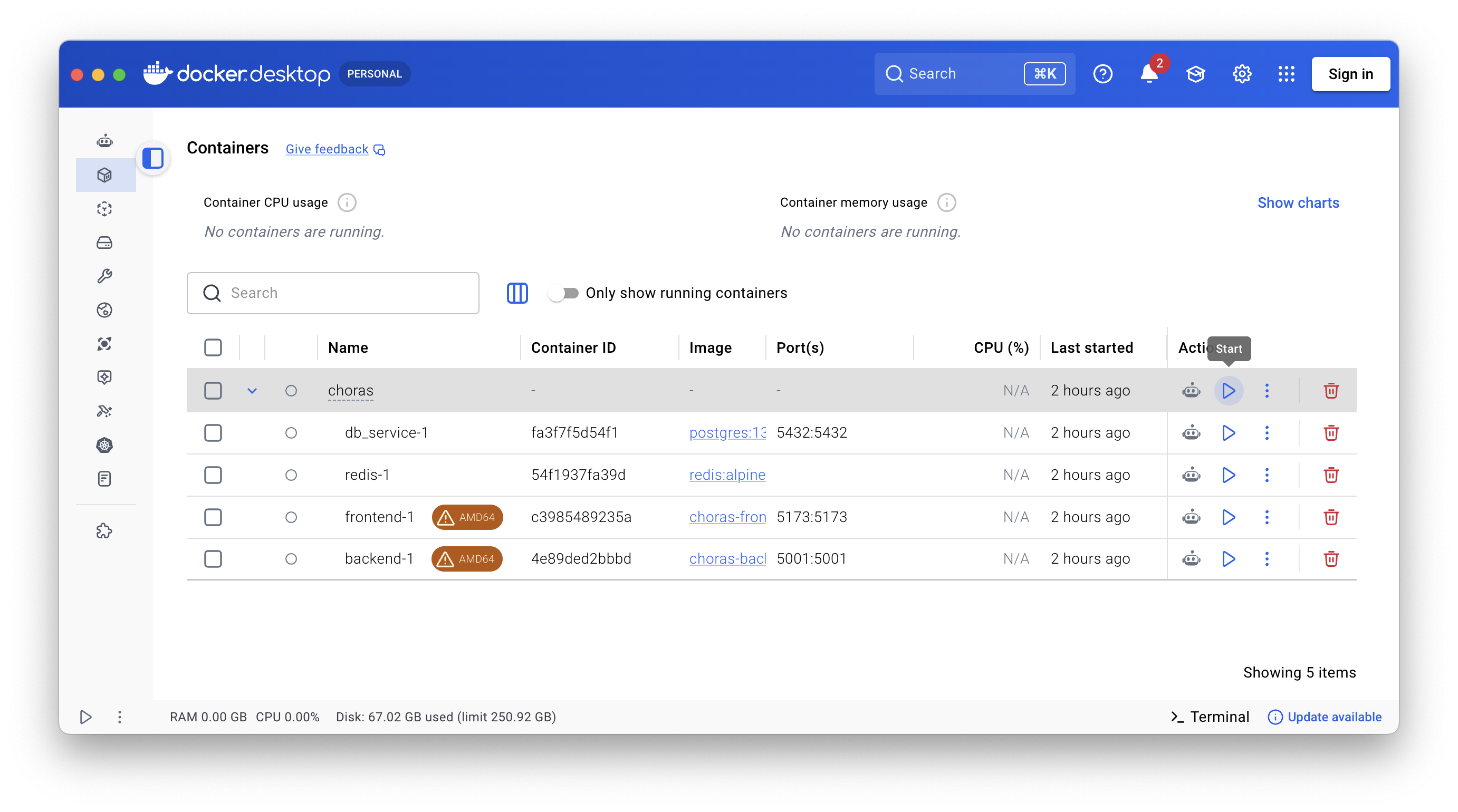
If you prefer using a graphical user interface to start and stop the CHORAS Docker container. In the Docker Desktop application, you can find the CHORAS container under the Containers section. From there, you can start, stop, and manage the container as needed using the buttons in the Actions column, see image below.
Web Interface#
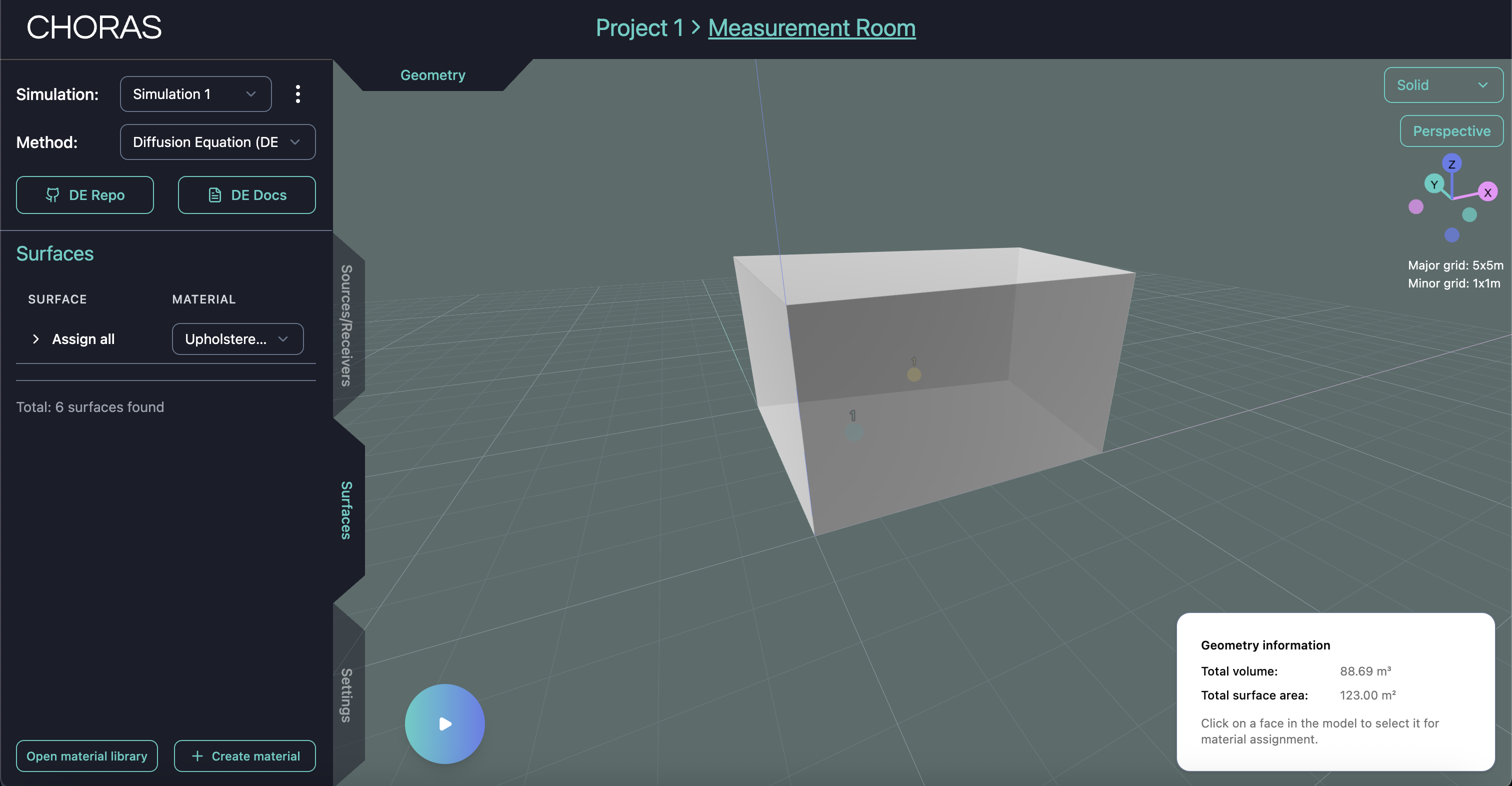
Once CHORAS is running, you can access the web interface by opening your browser and navigating to http://localhost:5173/. This will bring up the CHORAS user interface where you can start using the software.